
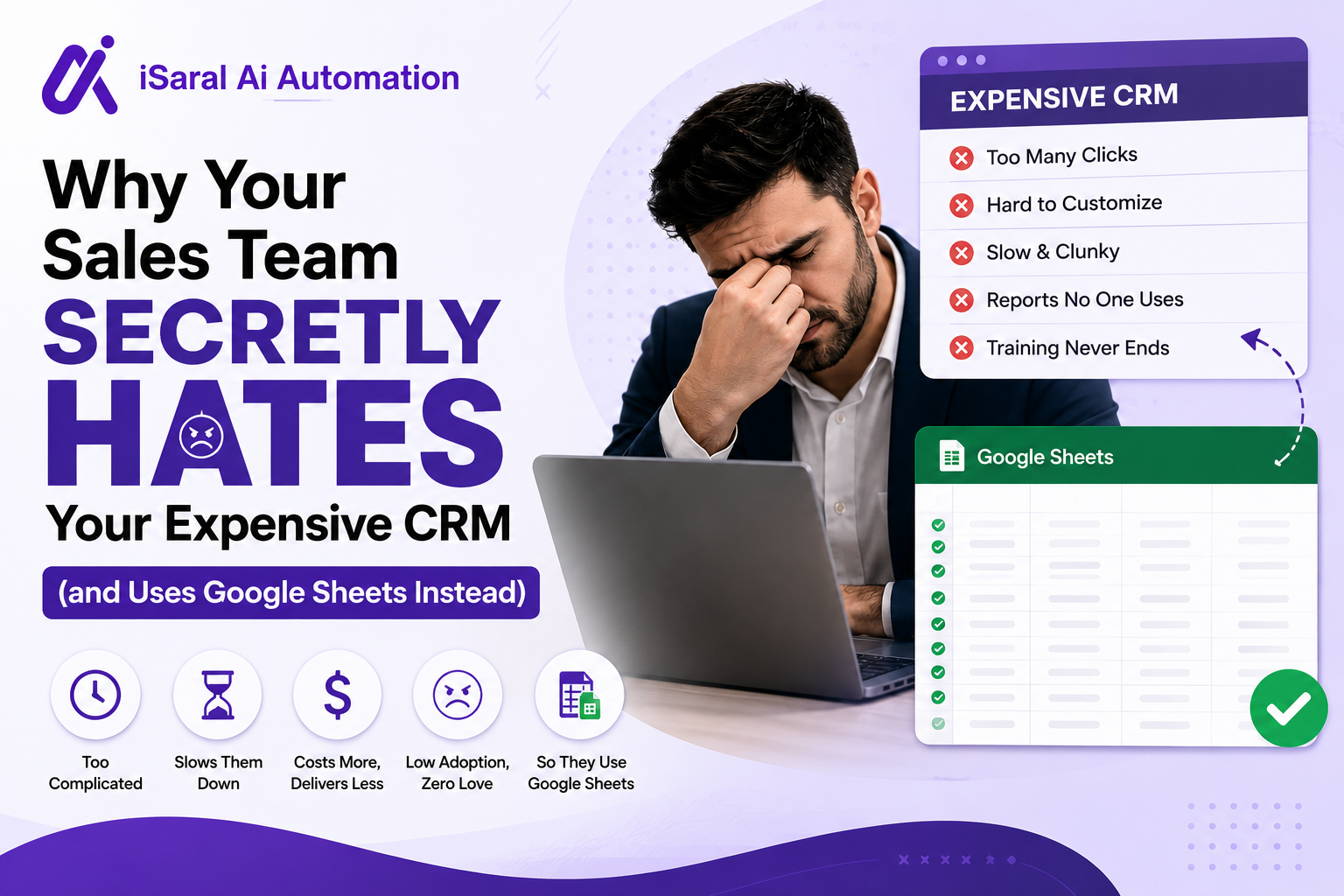
You did everything right. You researched vendors for months, negotiated a contract, rolled out training to your entire team, and implemented it "by the book." But somewhere between week one and now, your sales reps quietly went back to Google Sheets.
They're not stupid. They're not stubborn. They've done the math: every minute clicking through your CRM is a minute they're not talking to a prospect or closing a deal. Your tool feels like mandatory paperwork, not a selling tool. So they've built their own solution — one that respects their time and gets out of their way.
- Why sales reps avoid your CRM (it's not what you think)
- The hidden reality of what your usage reports are actually showing you
- The five biggest reasons CRM adoption fails — and they're all fixable
- Why Google Sheets wins against enterprise software
- What slow CRM adoption is actually costing your business
- How to choose (or fix) a CRM your team will genuinely use
The Hidden Reality: Why Sales Reps Avoid Logging Into Your CRM
It's Not Laziness—It's Mathematics
Your sales reps aren't lazy. They're making a rational decision about time. When logging a single call takes 7 clicks and 3 dropdown menus, they've already done the math: follow-up email in two minutes, or CRM entry in seven minutes. They choose the email.
The CRM feels like homework they have to do after they're done with their real job (selling). When a rep has to choose between entering data and picking up the phone, the phone wins every time. And that's the problem—your tool should be making them better at selling, not adding friction to it.
When logging activity in your CRM takes longer than the actual activity itself, you've built a tool that punishes productivity instead of enabling it.
What Your CRM Usage Reports Are Really Showing You
The Data You Trust Is Lying to You
Your CRM dashboard probably shows decent login numbers. Your reps are in the system multiple times a day, right? Maybe. But open your actual CRM and search for call logs, notes, and deal updates. You'll find empty fields, vague notes, and deals that haven't been touched in weeks despite active conversations happening offline.
Your reps log in just enough to keep management happy. They paste in the bare minimum. The real conversations, deal stages, and follow-up reminders are living inside someone's personal spreadsheet, email inbox, or sticky note collection. You're never going to see that data.
Your team isn't using your CRM because it respects their workflow. They're using it because you told them to. The moment you stop checking, they'll abandon it completely.
The Five Biggest Reasons CRM Adoption Fails
And Why Your Team Quietly Routes Around Them
CRM adoption doesn't fail because sales reps resist change. It fails because you've built systems that slow them down instead of speeding them up. Here's what's actually happening:
Overcomplicated Features
Your CRM came loaded with dashboards, workflows, and automation triggers nobody asked for. Five screens to log a call = reps stop logging calls.
Poor Mobile Experience
Your field reps aren't at desks—they're in parking lots and coffee shops. If the mobile app is slow or stripped of features, they're pulling up Google Sheets instead.
Mandatory Data Entry
Every minute typing notes is a minute not on the phone. When your CRM demands long inputs before allowing reps to move forward, you've punished selling.
Three More Killers of Adoption
- Lack of Personalization: When your CRM looks identical for a BDR cold-calling 80 prospects and an enterprise account exec managing long-cycle deals, it fits nobody. Your team needs workflows built for their actual job, not a generic template.
- Poor Training: A two-day training marathon that covers every feature is useless. Your reps need a 30-minute walkthrough that gets them logging deals on day one. Everything else should be a video they watch when they need it.
- Broken Adoption Reinforcement: You train them once and hope they stick. Instead, you need lightweight check-ins, clear payoff communications, and coaching that ties CRM data to commission dollars.
Why Google Sheets Wins Against Enterprise CRM Software
The Competitive Advantages You're Losing To A Spreadsheet
Your sales team didn't choose Google Sheets because it's powerful. They chose it because it respects their time and gets out of their way. Here's what it does better than your $50,000 CRM:
Speed and Simplicity
Google Sheets opens instantly. It lets your team type what they need. It doesn't make them click through dropdown menus or fill out required fields. Speed wins.
Friction-Free Collaboration
When your rep spots an error, they fix it. No tickets. No waiting for IT. You share a link and your whole team is working from the same version instantly.
Full Control Over Workflow
Your team knows their sales process better than any software vendor. In Sheets, you build the columns you need, color-code what matters, and arrange it to match your brain—not Silicon Valley's.
Zero Training Curve
Nobody schedules a three-hour onboarding to learn Sheets. Your new hire sits down and starts entering deals on day one. Compare that to the week of CRM training your team dreads.
Works Offline
Your reps close deals on the road with spotty WiFi. Sheets lets you keep working offline and syncs when your connection comes back. Your CRM throws an error and they pull out their phone.
The Real Business Cost of CRM Adoption Failure
What You're Actually Losing When Your Team Routes Around Your Tool
| Cost Category | What It Looks Like | Annual Impact (20-person team) |
|---|---|---|
| Revenue Lost (Poor Pipeline Visibility) | Gut-feel forecasting instead of real data | $200K-500K in missed quota |
| Wasted Subscription Fees | Unused licenses at $75-300/seat/month | $18K-72K in pure waste |
| Data Silos & Lost Relationships | Reps leave, customer history goes with them | $100K+ in deal slip-aways |
| Coaching & Management Time | Managers rebuild spreadsheets instead of coaching reps | 200+ hours/year in wasted productivity |
Add it up. A 20-person team with poor CRM adoption is costing you somewhere between $300K-$700K annually in lost visibility, wasted licenses, and missed deals. That's real money.
How to Choose (or Fix) a CRM Your Sales Team Will Actually Use
The Selection Process That Actually Matters
If you're shopping for a new CRM, don't repeat the mistakes that killed your last one. If you're trying to salvage the one you have, these same principles apply.
Three Non-Negotiables During Selection
- 1 Prioritize Ease of Use Over Features: When you're evaluating CRMs, resist feature lists. Your reps don't want a Swiss Army knife—they want a tool that gets out of their way. A simple CRM they actually use beats a feature-packed system they actively avoid.
- 2 Involve Your Sales Reps From Day One: Your reps are the ones living inside the CRM daily. Bring them into demos, ask what frustrates them about your current setup, and let their feedback shape your shortlist. When your team feels heard, they commit to the tool.
- 3 Demand a Real Pilot, Not a Vendor Demo: Push for 30 days with actual deals and actual reps. Pay attention to how quickly they adapt, where they get stuck, and whether they're naturally gravitating toward it or pulling up Google Sheets on the side.
After two weeks of a pilot, ask your reps off the record: "Are you using this or are you still using Sheets?" Their honest answer tells you everything.
Fixing the CRM You Have Right Now
If you're not ready to switch, here's how to salvage adoption with your existing platform:
- Week 1-2: Audit every field in your CRM. Delete anything your reps never use. Aim to get call logging under 2 minutes.
- Week 3: Run a rep listening session. Ask them straight: "What makes you want to go back to Sheets?" Write it down. Fix it.
- Week 4-6: Rebuild your CRM with only the fields that move deals forward. Make most inputs optional.
- Week 7-8: Create lightweight video walkthroughs (3-5 minutes each). Skip the training deck.
- Week 9-12: In one-on-ones, show reps how logging their deals consistently helps them earn more commission. Tie it to their paycheck, not your reporting needs.
CRM Adoption Audit Kit
Everything you need to diagnose why your team is using Sheets instead of your CRM — audit templates, rep listening guides, and a 90-day adoption recovery roadmap sent directly to your inbox.
CRM Field Audit Template
Identify which fields your reps actually use
Rep Listening Guide
Questions that surface real adoption blockers
90-Day Adoption Roadmap
Week-by-week plan to fix or replace your CRM
Vendor Evaluation Scorecard
How to pick a CRM your team will actually use
The Real Conversation to Have With Your Team
Your sales team's quiet rebellion against your expensive CRM isn't about stubbornness or resistance to change. It's a clear signal that your tool is working against them rather than for them. When Google Sheets becomes the go-to solution, that's your wake-up call.
The good news: this is fixable. Start by listening to what your salespeople actually need from a tool. Involve them in selection decisions. Focus on simplicity over features. A CRM that your team genuinely uses—even a simpler one—will always beat an expensive platform collecting digital dust.
Ask yourself honestly: Is your current CRM helping your team sell faster, or just making your company feel like it's doing things the "right way"? Take a hard look at what's actually happening with your data, and then be willing to make a change.